 Collage Studio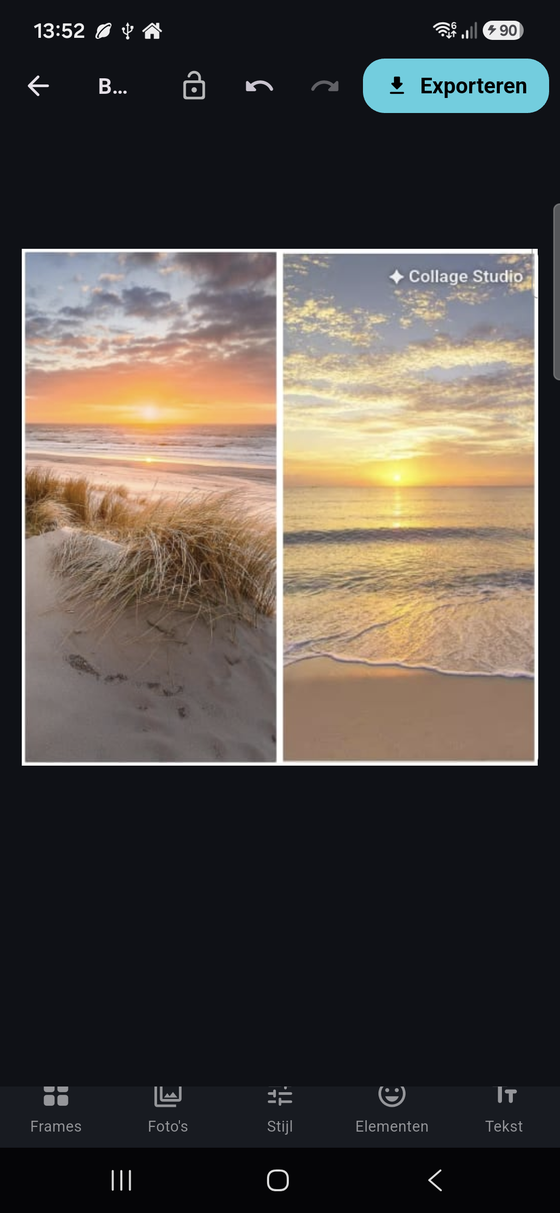
Dozens of layouts
Grids, strips, stacks and feature frames for any number of photos.
Turn your photos into share-worthy collages — dozens of layouts, frames you can draw yourself, AI background removal and crisp 4K export.
Free to use · No account needed · English · Nederlands · Deutsch
Features
Powerful editing that stays simple — built for fast, gorgeous results on your phone.
Grids, strips, stacks and feature frames for any number of photos.
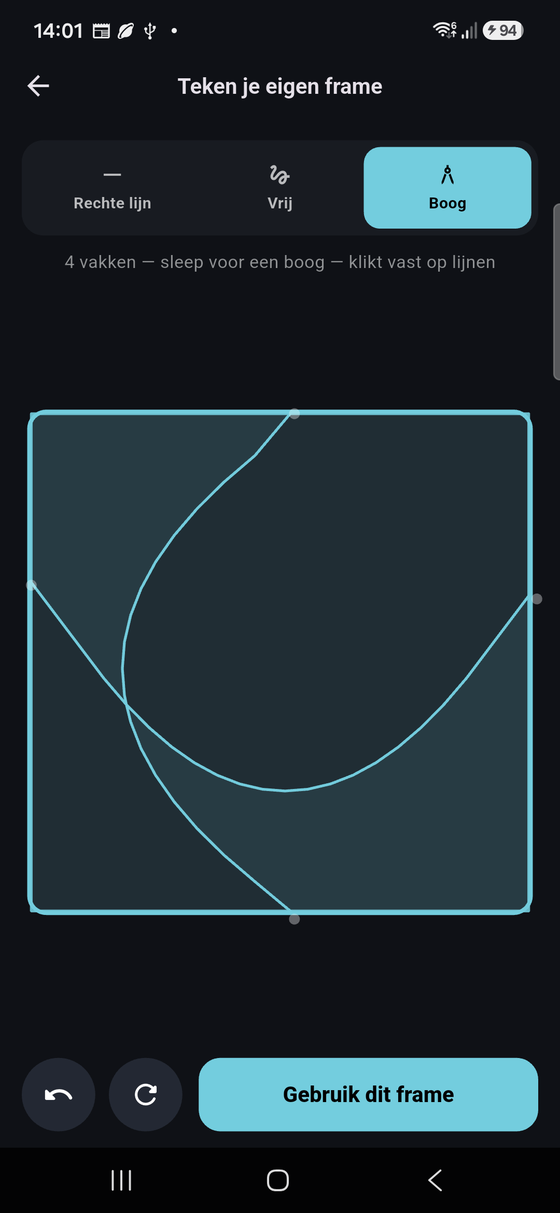
Sketch straight lines, free shapes or smooth arcs into custom photo cells.
Cut out subjects with one tap and drop them onto any backdrop.
Brush over something you don't want and watch it disappear cleanly.
Hundreds of stickers, beautiful fonts and one-tap photo adjustments.
Save and share in crisp 4K. Go Pro to remove the watermark and ads.
Try it right here
A taste of the app's signature feature — drag across the canvas to cut it into photo cells.
In Collage Studio you don't pick from a fixed grid — you draw the cuts yourself. Straight lines, free shapes or arcs all become real photo cells.
How it works
Choose a grid or draw your own frame to fit your photos.
Add pictures, swap, zoom and fine-tune each cell in seconds.
Save in 4K and share straight to your favourite apps.





Collage Studio is free to use — make your first collage in under a minute.
Get it on Android